Essay··3 min read
Malleable Software: code → low-code → no-code
After my last post Malleable Software Will Eat the SaaS World many people assumed that I was talking about code-level tools only. But it is not exactly right, malleability lives on multiple layers — from raw code to low-code to no-code. There are several categories of malleable tools with different abstraction levels (building blocks):
- Code: Cursor, Replit, Lovable
- Low-code: Retool
- No-code: Airtable, Fibery (and maybe Notion)
Each layer has different strengths, limits, and audiences. Let’s break them down.
Code editors
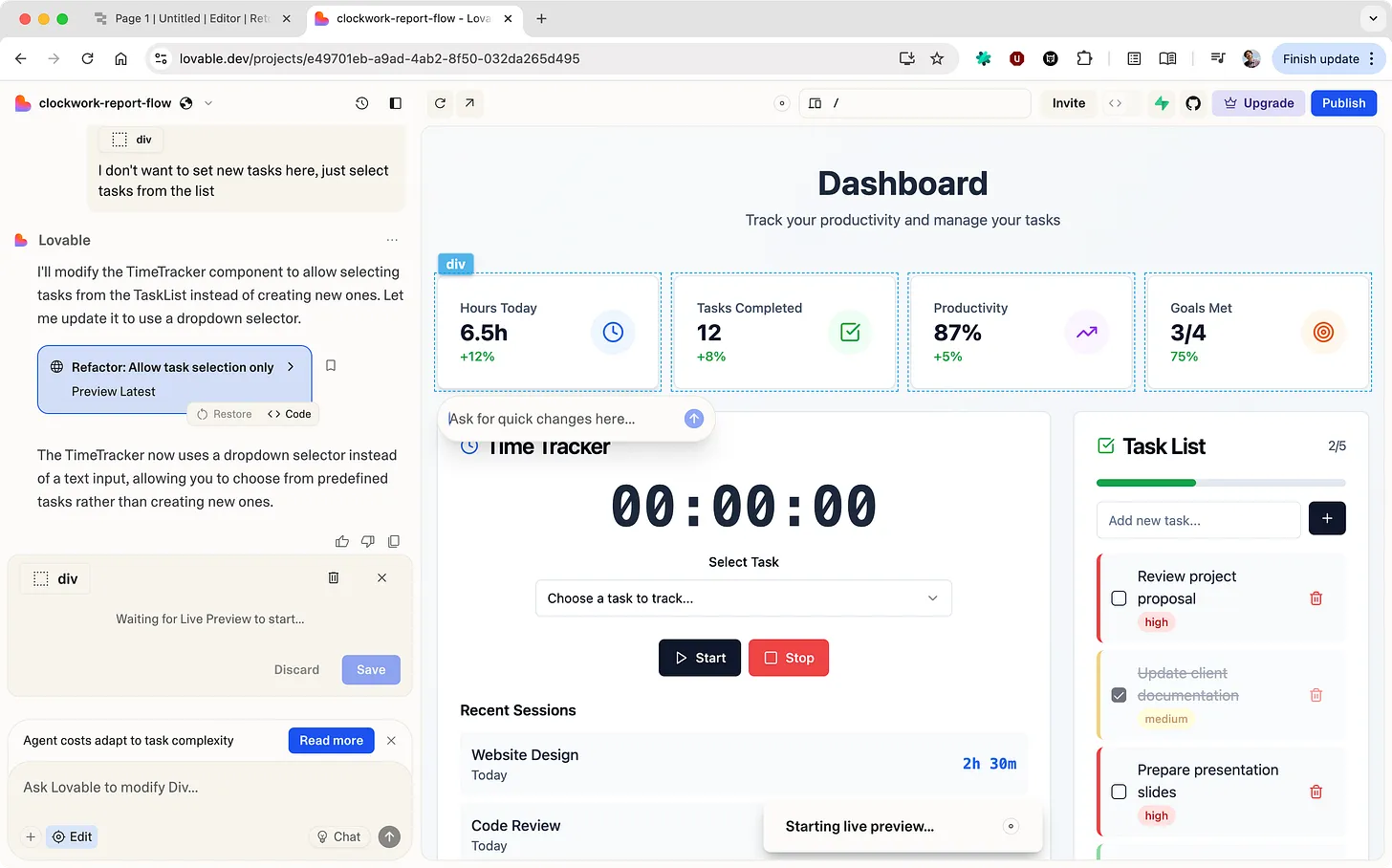
Notable tools: Cursor, Lovable
Use cases: anything (in theory)
Code is the lowest level you can get. Building blocks are very granular and power is enormous. However, it is also harder to modify and evolve the solution. You can quickly build some basic app in Lovable, but creating something relatively complex will quickly bring you to programming itself. Basic apps and prototypes are easy to build, complex solutions are impossible without deep programming knowledge.
Low-code tools
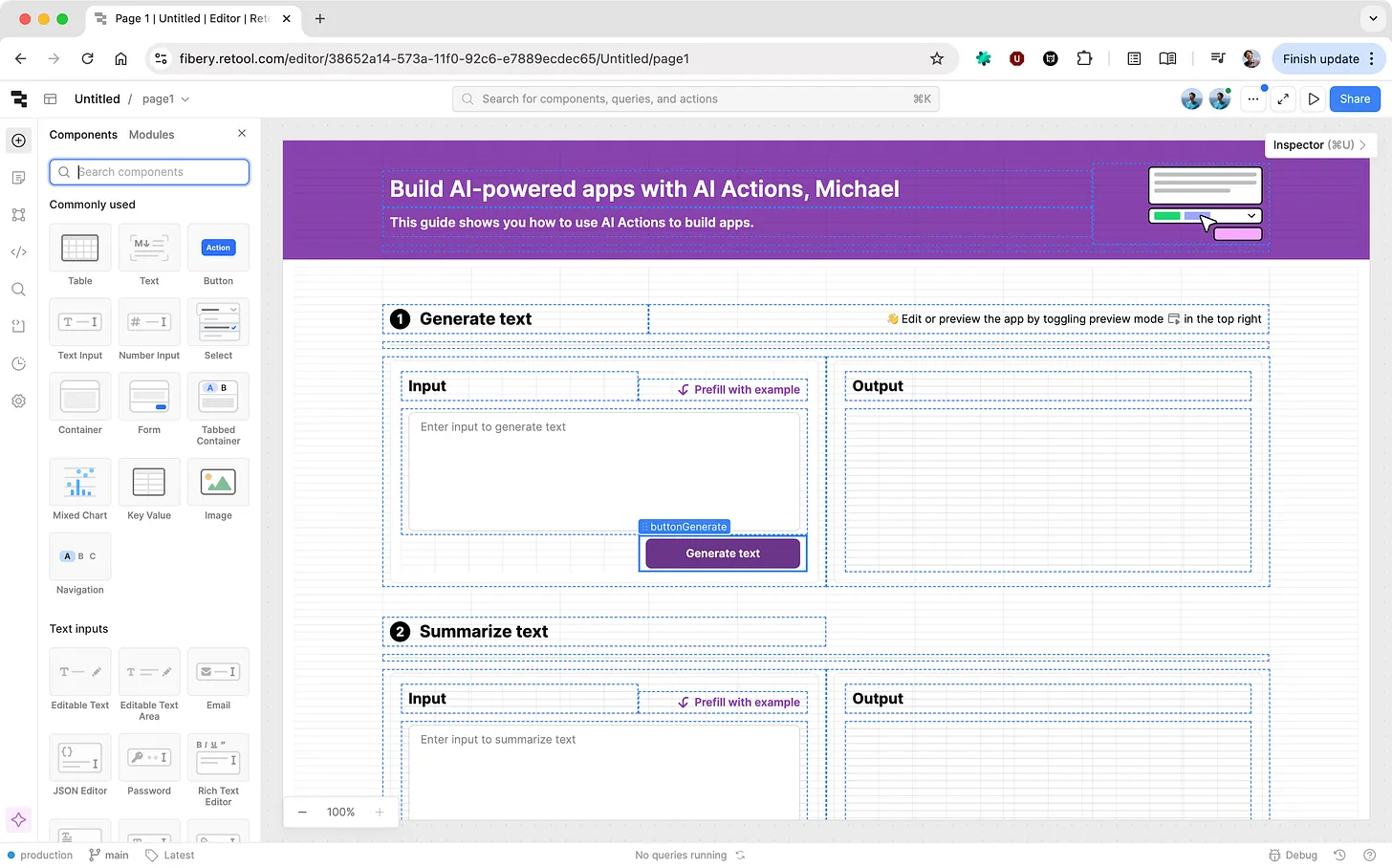
Notable tools: Retool
Use cases: internal tools, basic apps
Here you deal with some code and low-level building blocks, like text inputs and buttons, queries, actions, etc. Some knowledge of programming is required, but you can go deep enough with basic understanding of databases, functions, loops and conditions.
Variety of solutions and apps you can build are narrower than with just code, but still quite impressive. Learning curve is still relatively high.
No-code tools
Notable tools: Airtable, Notion, Fibery
Use cases: internal tools, vertical solutions
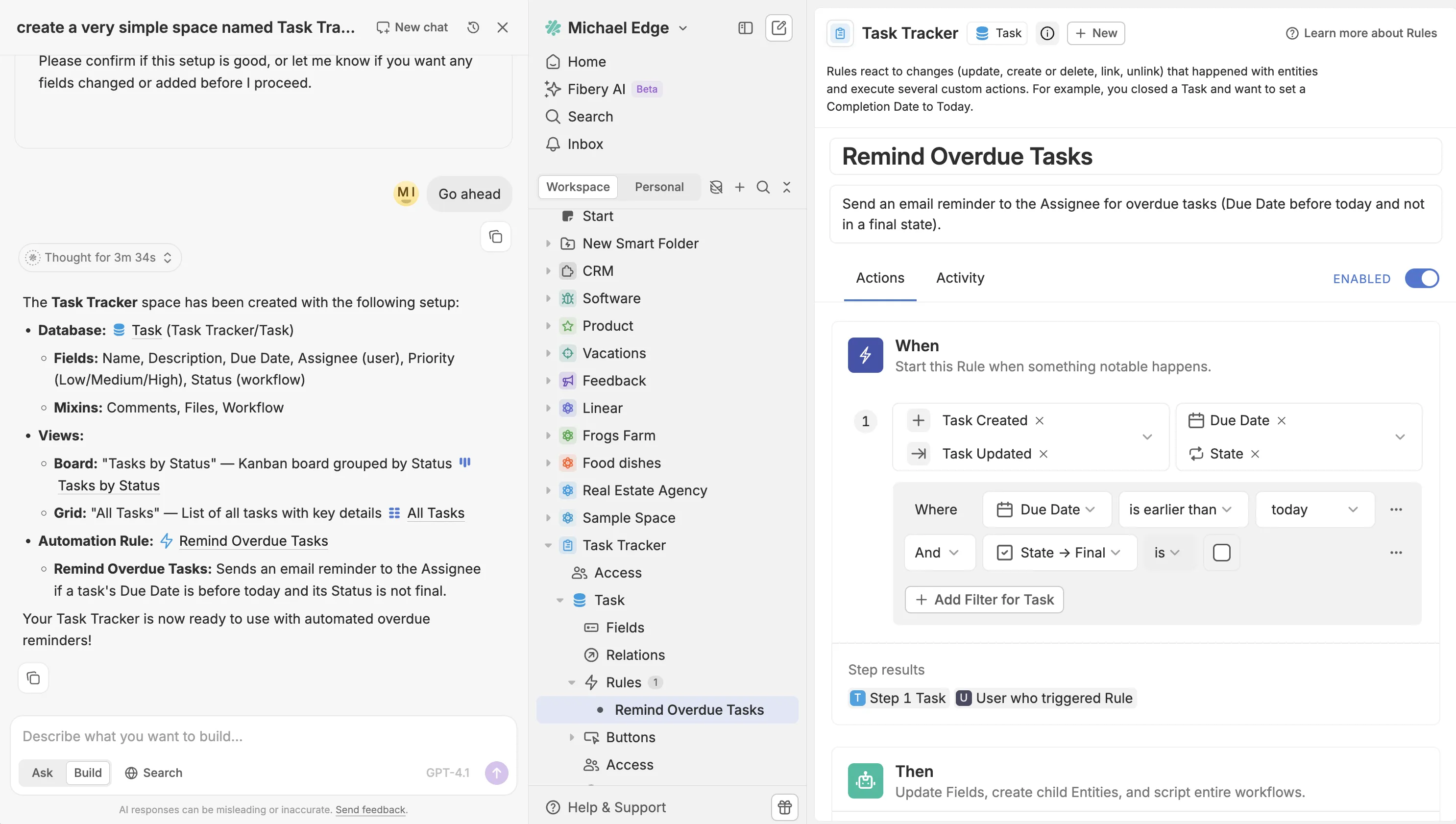
Here you deal with quite high-grained building blocks. For example:
- database tables with different field types, relations, formulas
- views to visualise tables: table, board, report, map, timeline, etc. with filters, sorting, grouping, etc
- automation rules and action buttons
- permissions/access schema
- custom UI components
You can build quite powerful solutions based on these blocks and do it fast, but they will be “boxed“ by existing components. For example, if you need something very custom, it will be impossible. Here you can live in AI-building-mode for a long time and only for ~20% of complex use cases dig into details, like learn automation rules.
AI + Code vs. Low-code vs. No-code
In near future I’m relatively pessimistic about full-blown Code level AI tools for mere mortals. It is still hard to imagine how complex products can be build without programmers. With fewer programmers — maybe, but programming experience still a cornerstone for any complex product. So code / no-code dichotomy will live for some time.
However, most vertical SaaS tools in near future can transform to no-code/low-code AI-based tools. They will have a well-designed set of high-level (and low-level) building blocks and almost any technically savvy user will be able to compose tailored solutions for specific business contexts. In some specific cases no-code will even write code to support user’s need, but code will just power small extensions here and there, not the foundation of the entire product.
| Code Cursor, Lovable | Low-code Retool | No-code Fibery, Airtable | |
| Building blocks | ultra-granular | medium granularity | higher-level, simple |
| Power | 🔥 limitless | solid | limited (but growing) |
| Easy of use | 😵 low | moderate | 🚀 highest |
| Speed to build a solution | 🐢 slowest | 🚴 decent pace | ⚡ fastest |
| Who is it for? | programmers | ops teams | anyone with domain knowledge |
AI is what finally makes malleable software truly accessible. The “how” becomes invisible. The user only has to decide the “what.”